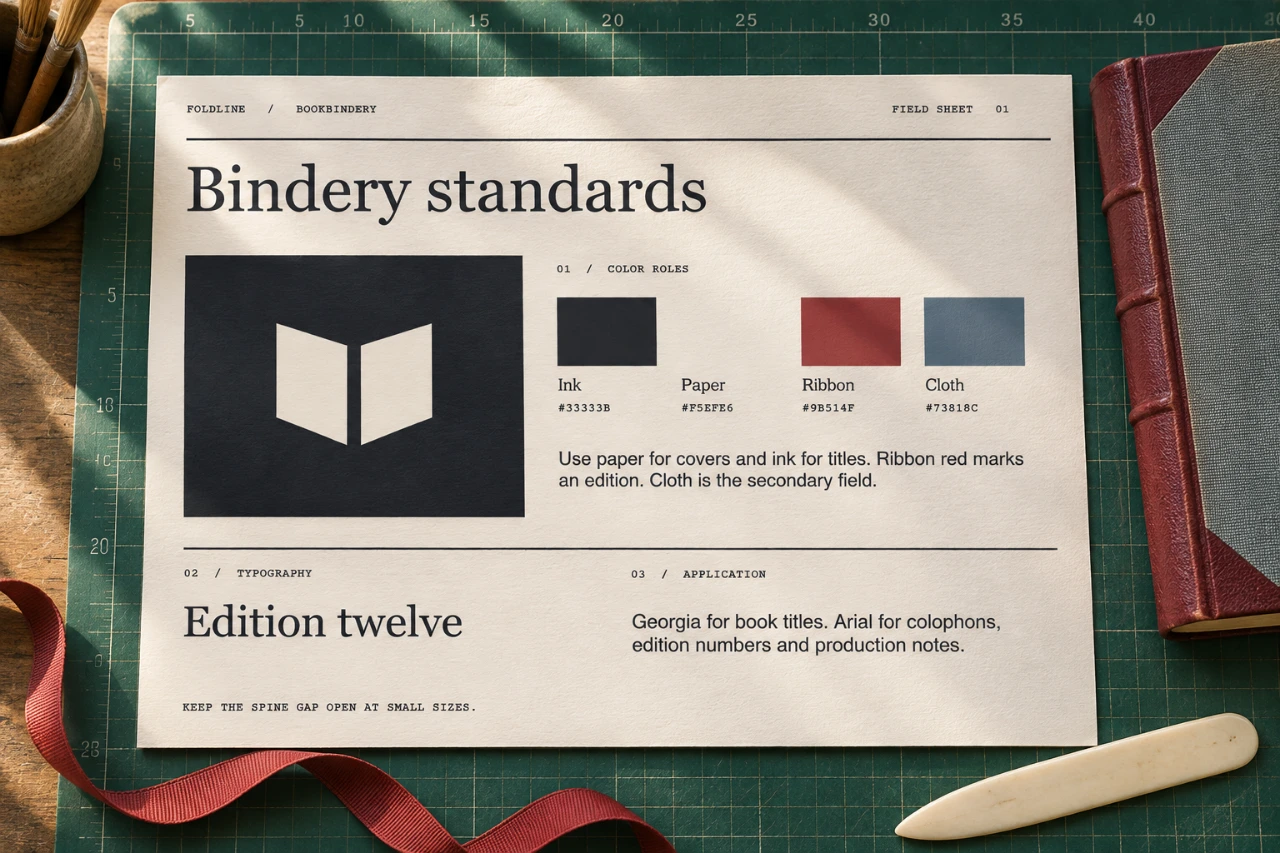
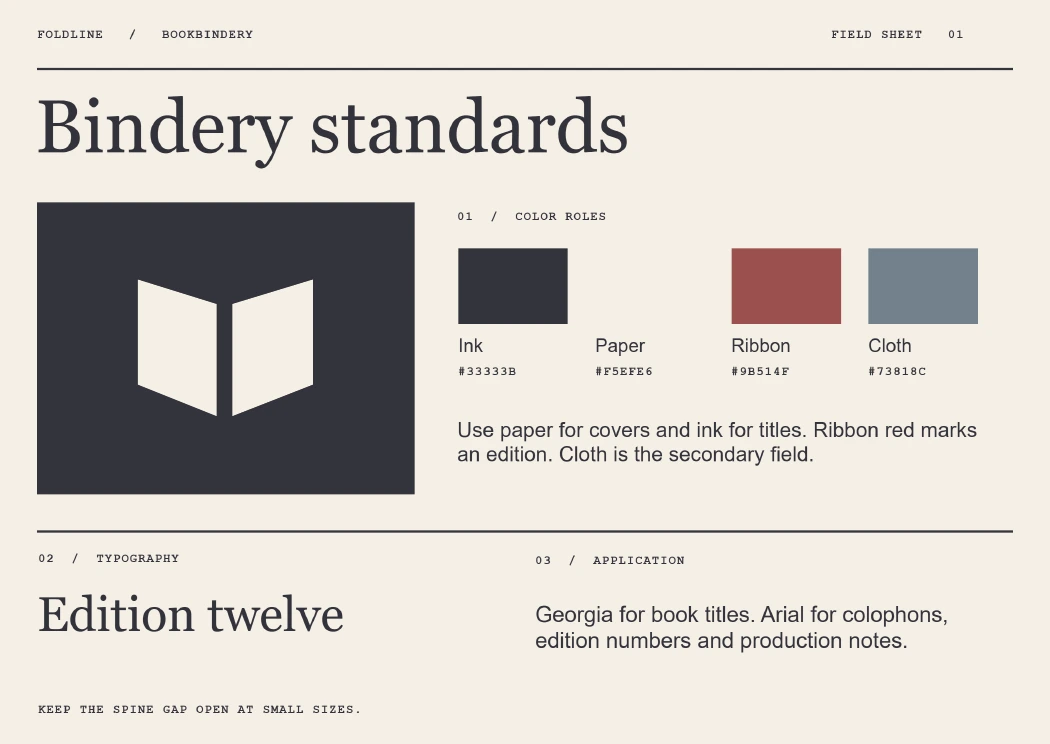
Make a one-page reference for Foldline Bookbindery showing how its open-book mark, four material colors and two typefaces belong together.
25 minutes · Workspace · Brand systems
Open WorkspaceProject files
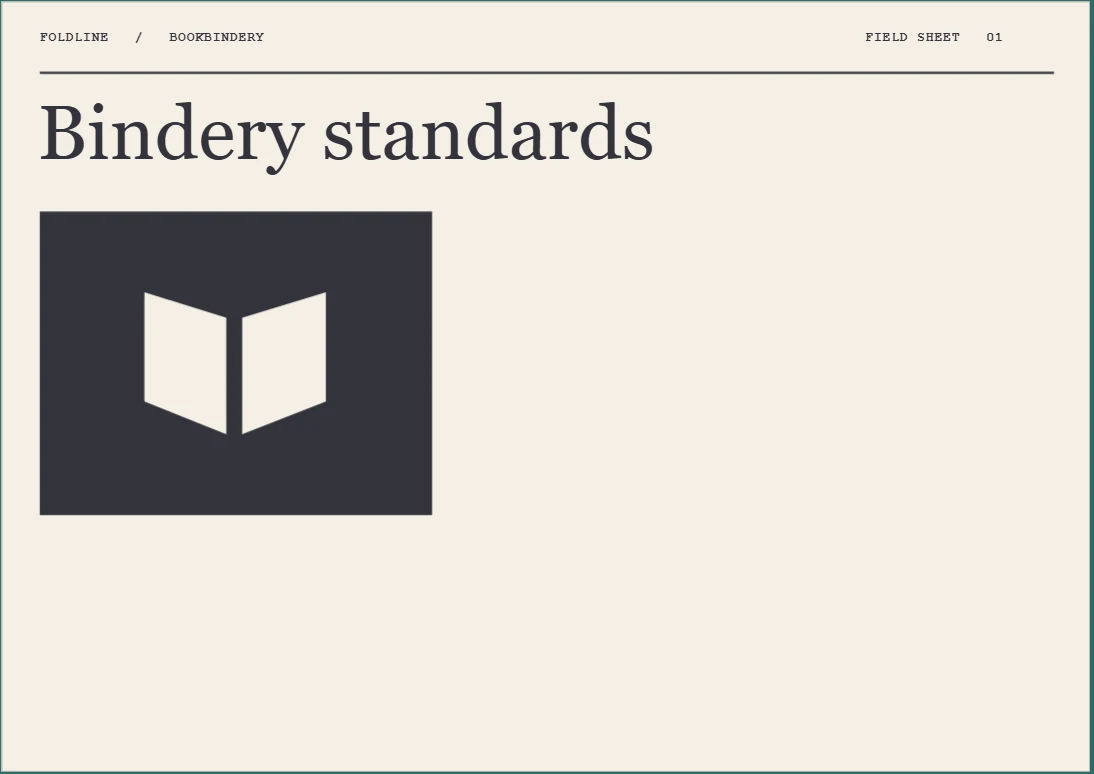
1. Draw the book and its spine gap
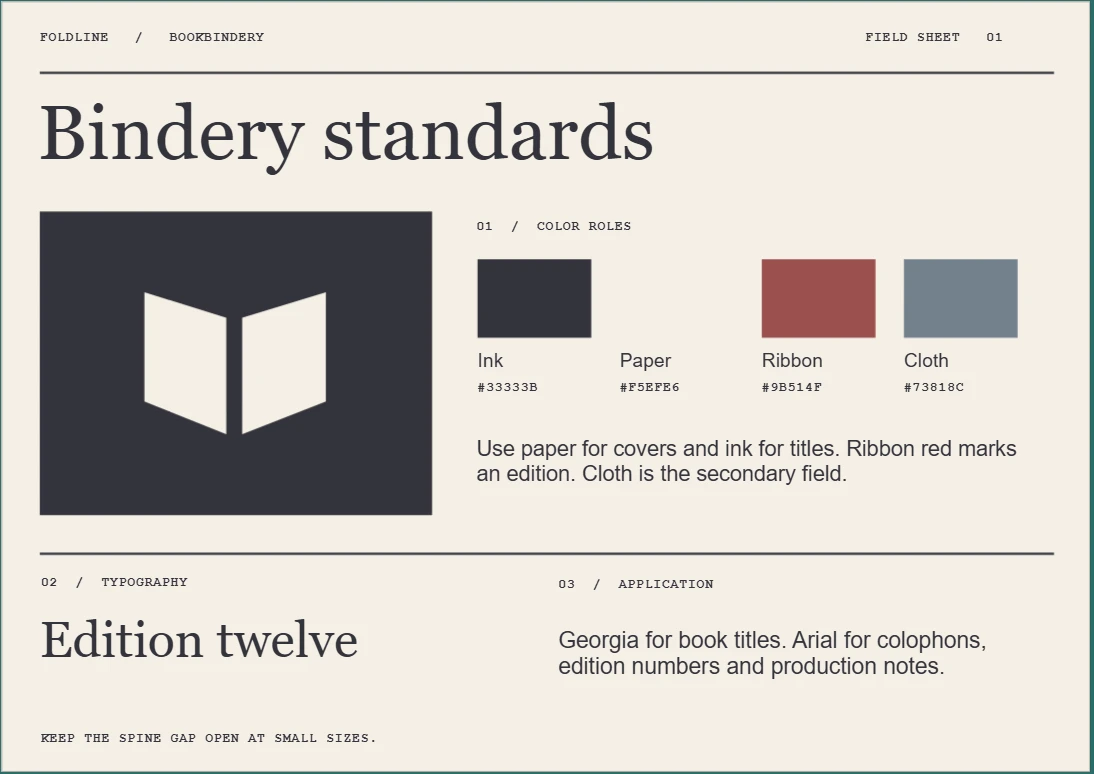
Start a 960 × 680 px page in #F5EFE6. Add “Bindery standards” above a fine rule. On a dark rectangle, use Pen to draw a four-sided paper-colored left page with sloping edges. Mirror its shape for the right page and leave a narrow dark gap at the spine.
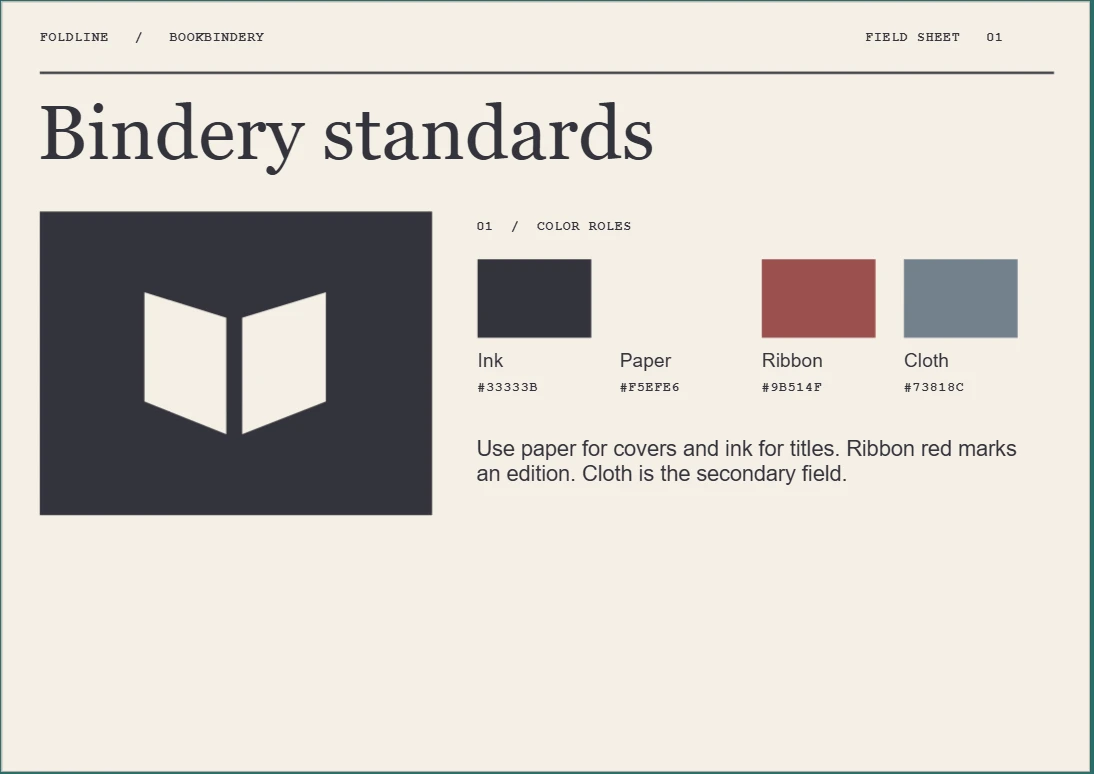
2. Give each ink a job
Make four equal swatches and label them Ink #33333B, Paper #F5EFE6, Ribbon #9B514F and Cloth #73818C. Add a short instruction about paper covers, ink titles, ribbon-red edition marks and cloth backgrounds. Keep each value directly beneath its name.
3. Demonstrate the type choices
Set “Edition twelve” in Georgia underneath the rule. Beside it, set a short Arial note assigning Georgia to book titles and Arial to colophons, edition numbers and production details. Compare the size of the specimen with the smaller production text.
4. Deliver the standards sheet
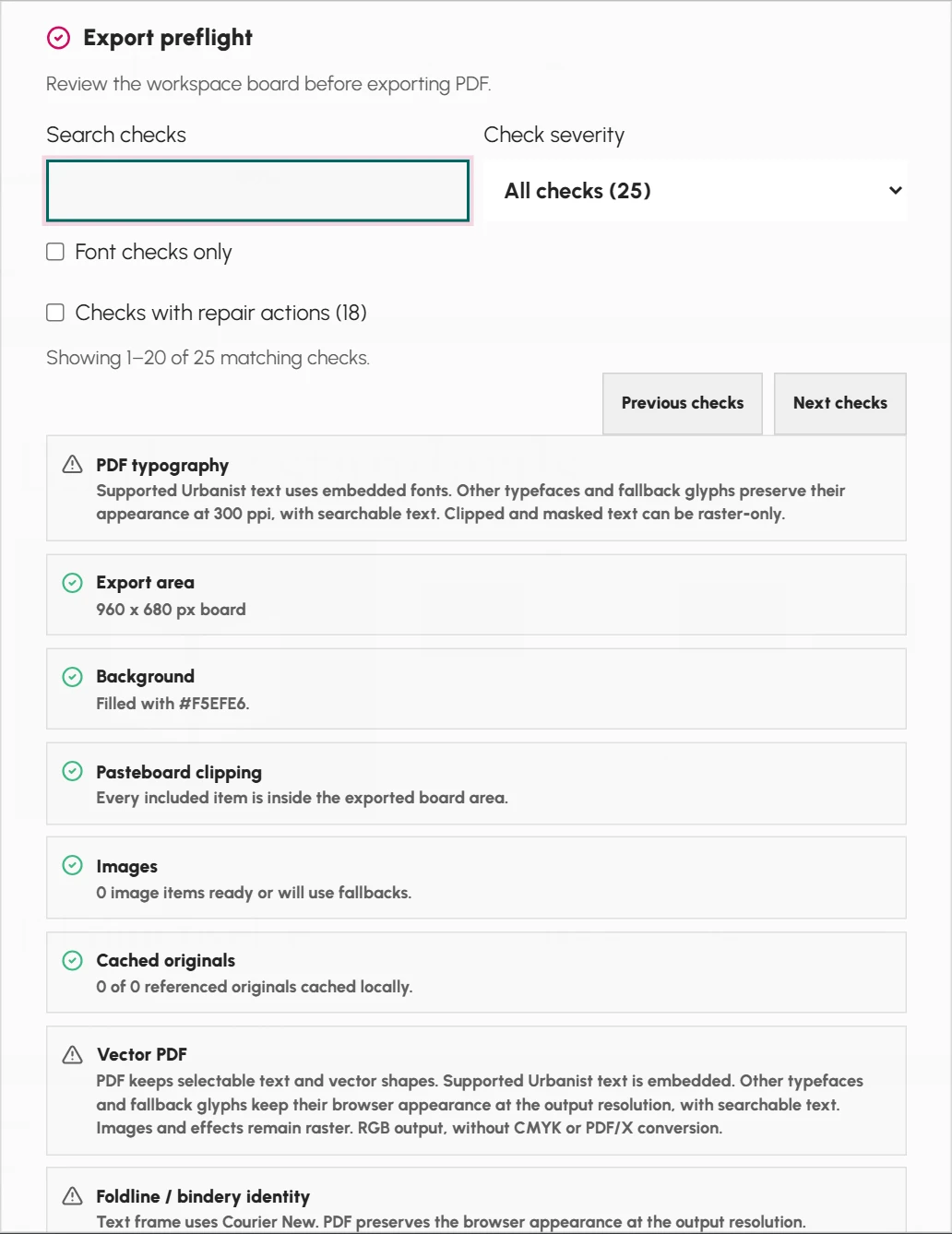
Choose Export → PDF and review the font notices. Open the single-page PDF at 100%. Confirm that each hex label matches its swatch, the spine gap stays open and “Edition twelve” appears on one line.
A one-page reference PDF for the next cover, colophon or edition label.