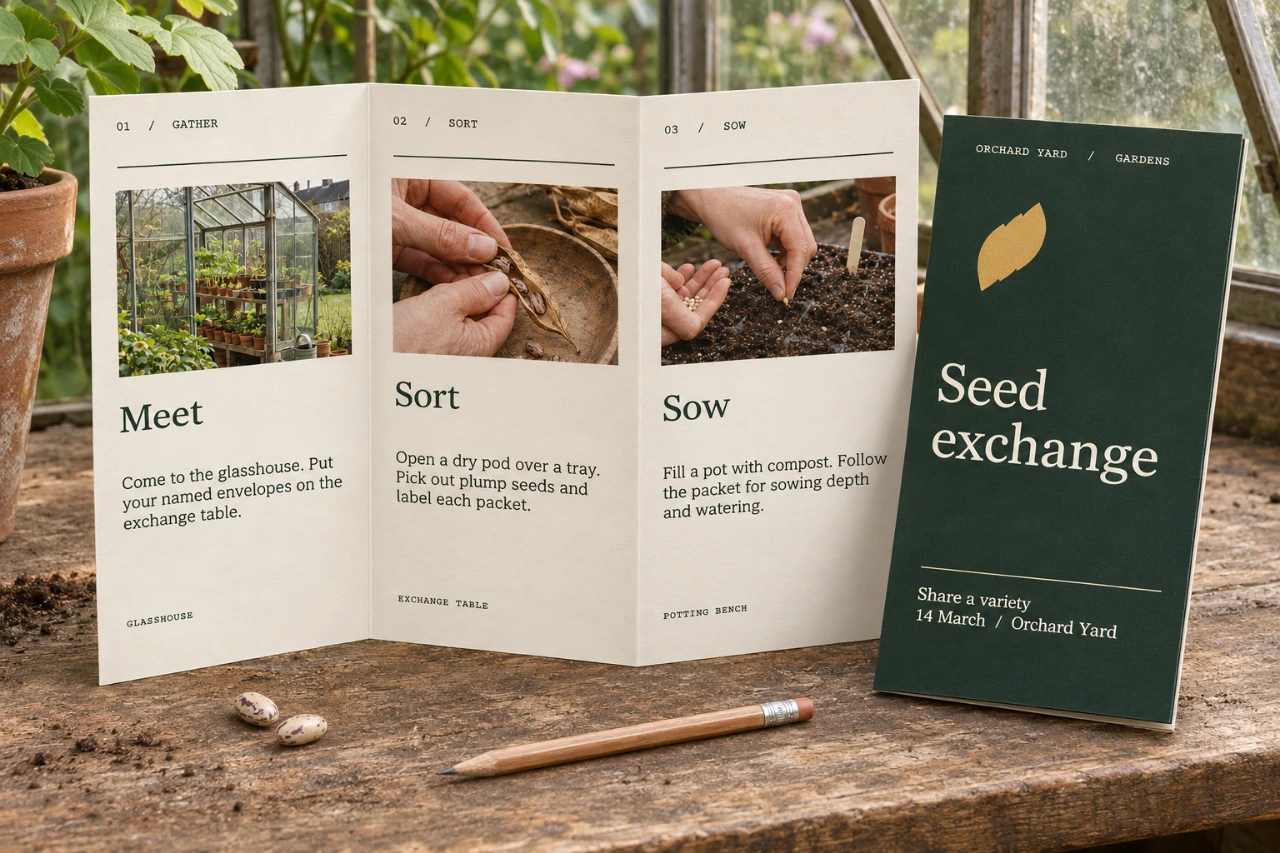
Design both sides of Orchard Yard’s seed-exchange leaflet, export a print PDF and fold a proof to check how its six panels read.
35 minutes · Workspace · Print layout
Open project formatsProject files
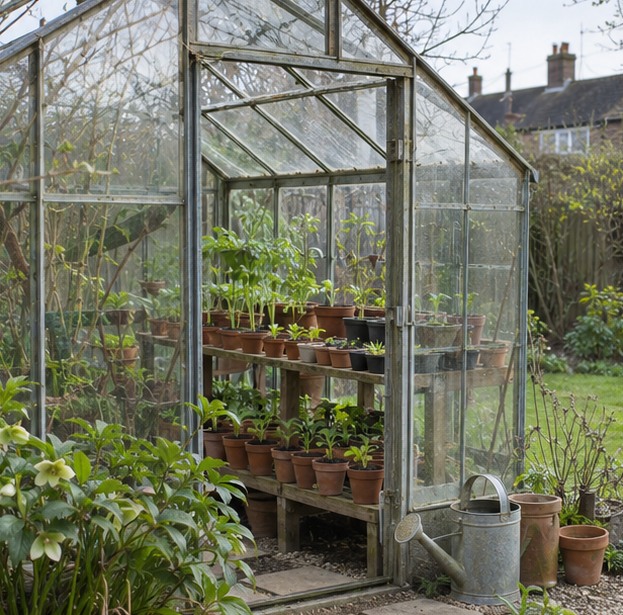
- Glasshouse photograph · JPG
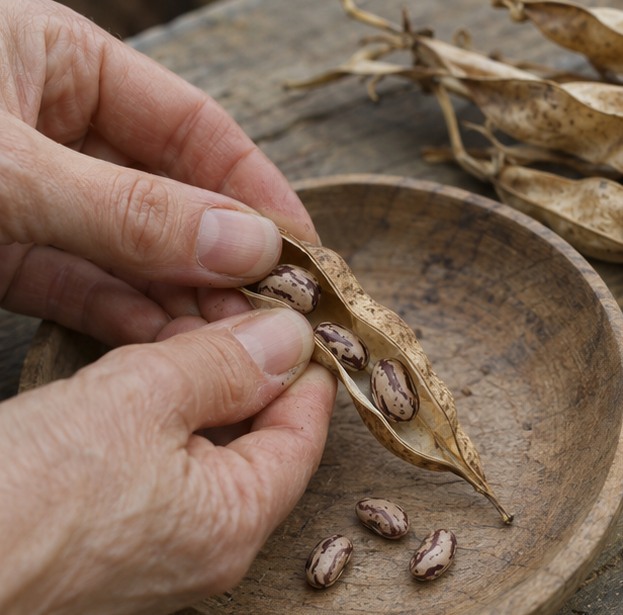
- Dry bean pod photograph · JPG
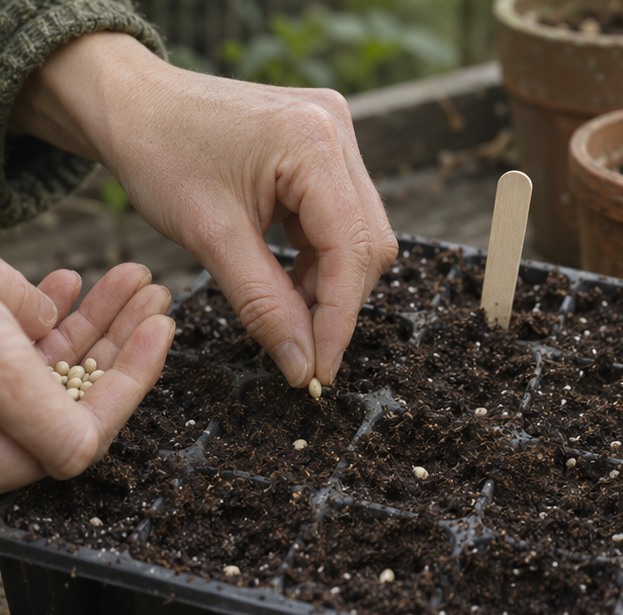
- Sowing photograph · JPG
- Two-sided leaflet · PDF
1. Map the six panels
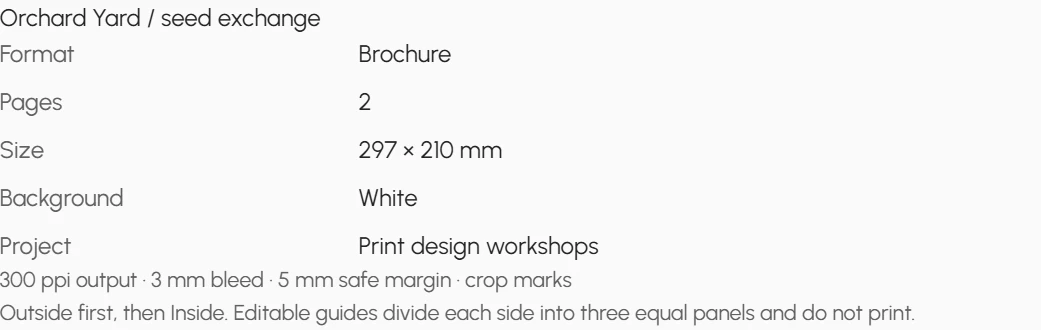
In Workspace Help choose Start Brochure. Review the project, create it and open it. Set up A4 landscape with Outside first and Inside second. For this Z-fold, divide each 297 mm side into three equal 99 mm panels. Use 3 mm bleed and keep important type 5 mm inside trim.
2. Design the outside from the fold
On Outside, put “What to bring” at left and “Find the glasshouse” in the middle. Give the right panel a forest-green #293D32 field, a straw-colored leaf and the title “Seed exchange”. Add 14 March and Orchard Yard below the rule. Fold a blank sheet to test which panel faces out.
3. Make the inside a sequence
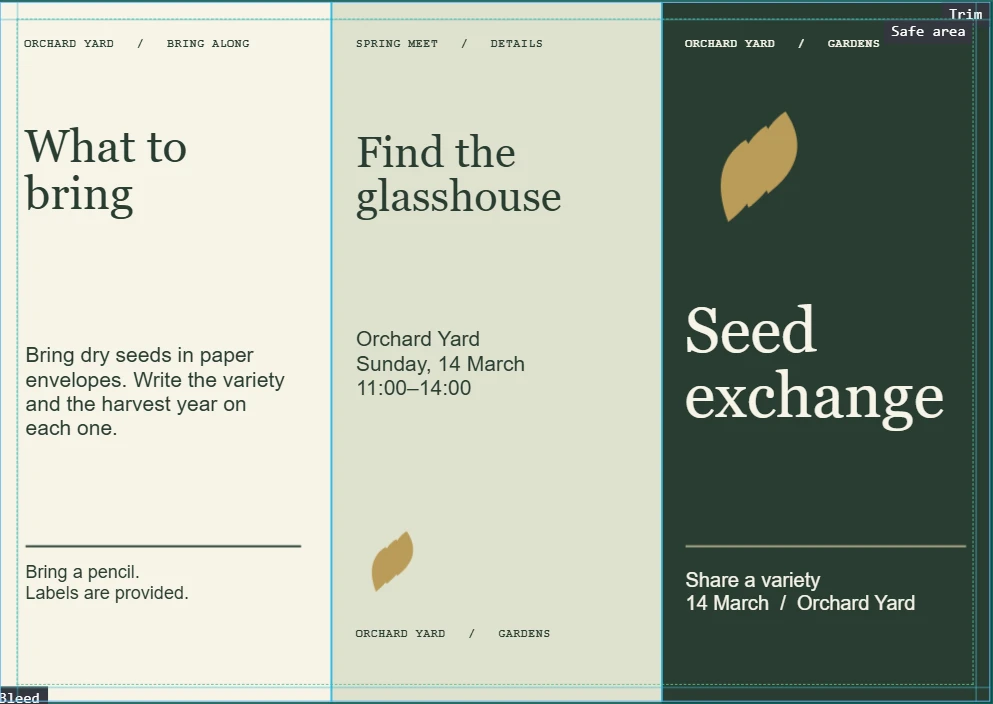
On Inside, give each panel one photograph, one verb and one instruction. Use the glasshouse for Meet, the dry pod for Sort and the planting hands for Sow. Align the three frames and headings. Extend backgrounds that touch trim into the bleed.
4. Proof both sides at actual size
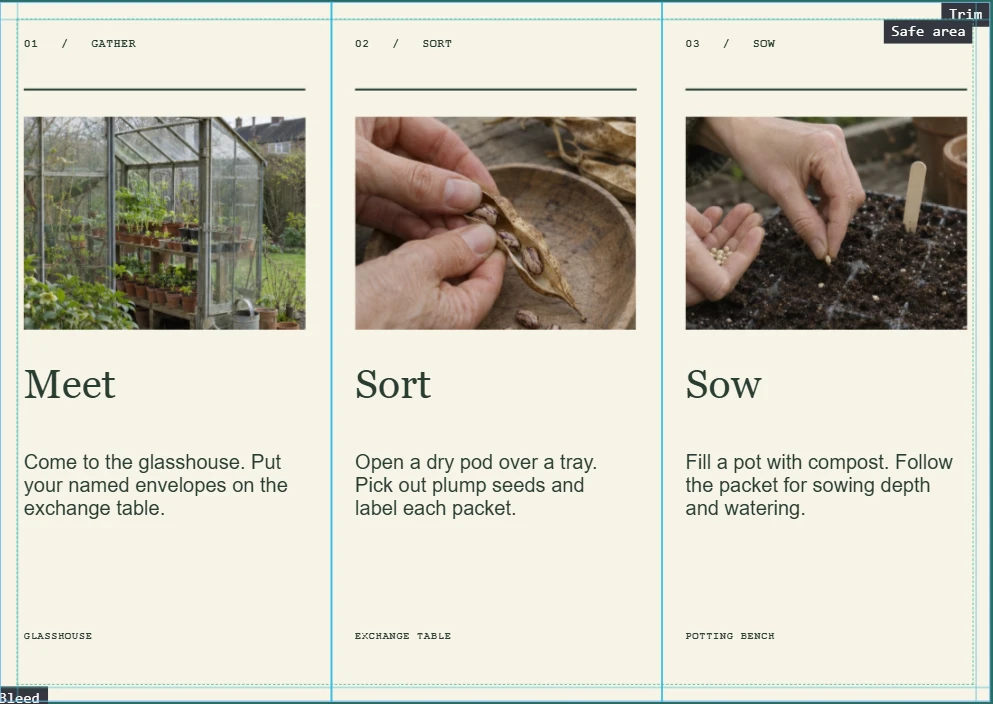
Choose Export → Document PDF. Review both pages, bleed and the printer’s crop-mark requirements, then export. Print a double-sided proof at actual size, trim it and fold the panels in opposite directions. Check that the dark cover faces out and all three instructions open upright.
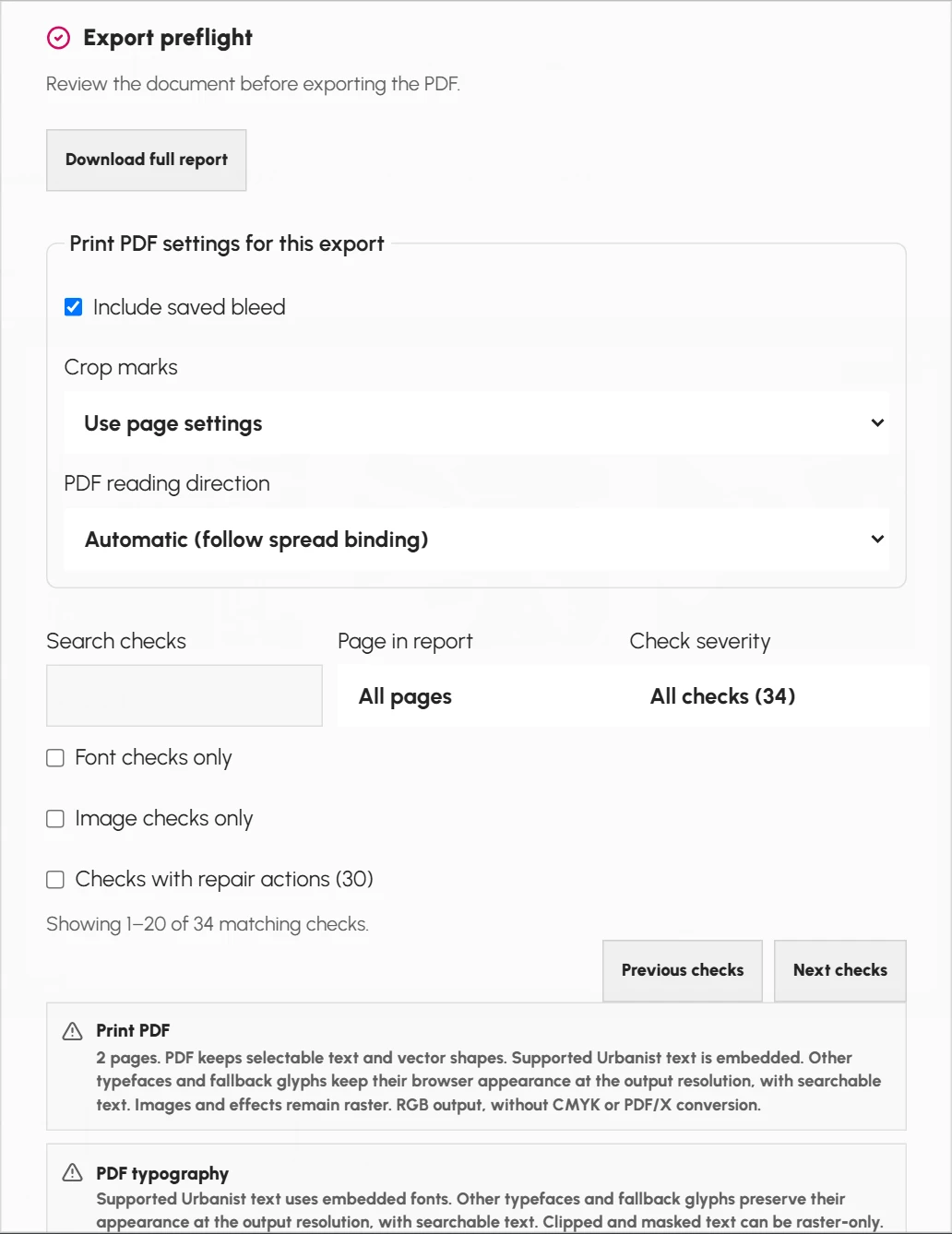
A two-page print PDF with A4 landscape trim and equal Z-fold panels.