Draw a reel-to-reel emblem for Capstan Sound. Punch the reel holes, route a copper tape path and export a transparent SVG plus a signed studio logo.


35 minutes · Workspace · Vector design
Open WorkspaceProject files

1. Draw the first reel
Tools Ellipse
Start a blank 640 × 470 px board with an ivory #F4EFE5 page. Draw a 192 × 192 px ellipse at X 122, Y 58. Set the fill to midnight #283446 and the stroke to zero. Note its center at (218, 154). Every opening is positioned from this point.

2. Position the four hole cutters
Tools Ellipse · Duplicate · Position and size
Draw a 44 × 44 px circle at X 196, Y 80. Duplicate twice. Set their top-left corners to (151, 158) and (241, 158). Add a 20 × 20 px hub centered on the reel at X 208, Y 144. Use a contrasting temporary fill so all four front shapes are easy to select.

3. Combine just the cutters
Tools Select · Shift-select · Unite
Click the top cutter, then Shift-click the other three. Check that the toolbar says “4 selected” before clicking Unite. The holes are separate islands, but clicking any one now selects the whole cutting path. Keep this path in front of the dark reel.
4. Punch the reel
Tools Shift-select · Subtract
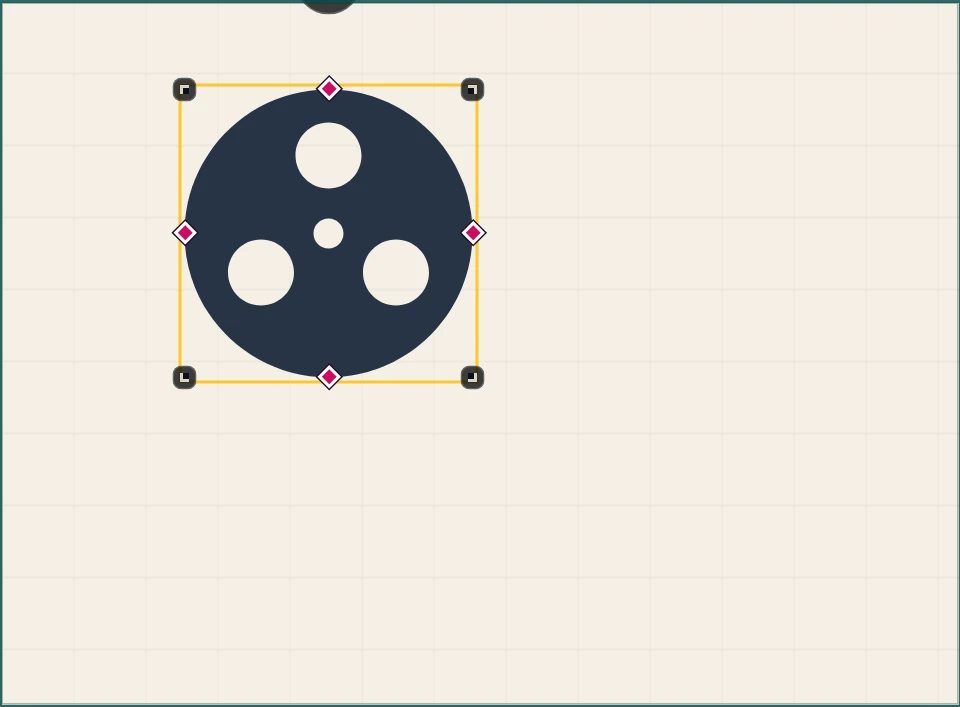
With the cutter selected, Shift-click the outer rim of the dark disc. Confirm that the toolbar now says “2 selected”. Choose Subtract to cut all four openings in one operation. Inspect the result at high zoom. You should have a single path with four transparent holes.
5. Duplicate and align the reels
Tools Duplicate · Position and size · Align top
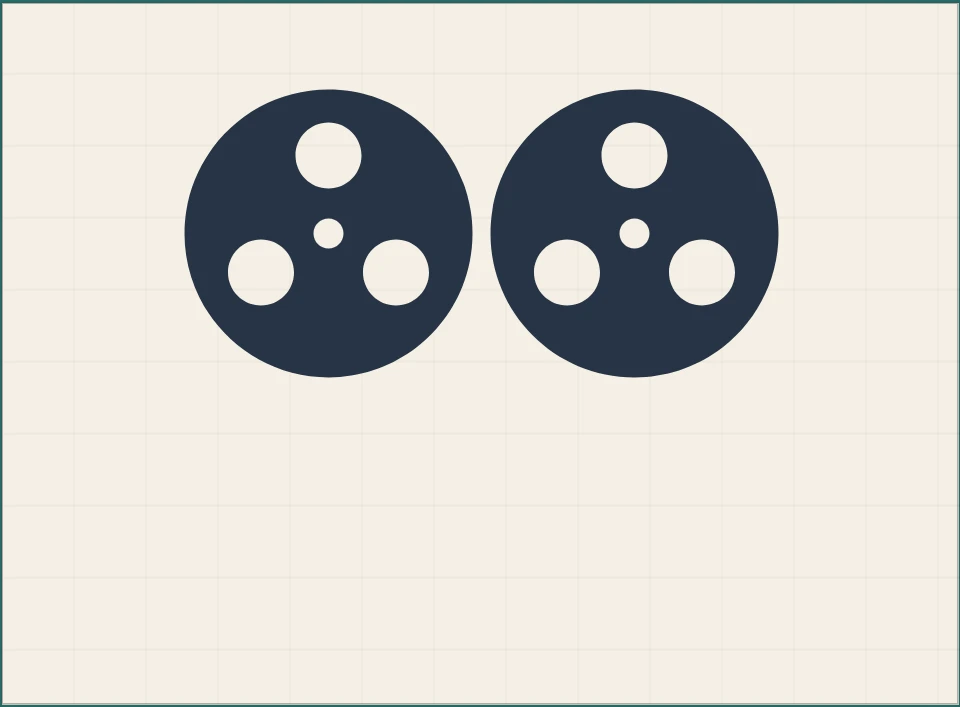
Duplicate the finished reel. Keep its size at 192 × 192 px and move it to X 326, Y 58. Select both reels and choose Top with Align to set to Selection if needed. Their top edges should match, with a 12 px gap between the rims.
6. Route the tape and build the meter
Tools Pen · Send to back · Rectangle
Use Pen to click a closed eight-point band through (137,202), (225,289), (415,289), (503,202), (513,212), (421,303), (219,303) and (127,212). Close the path and fill it copper #A35A35. Send it behind the reels. Below the gap, draw three 10 px rectangles at X 297, 315 and 333. Give them heights of 27, 41 and 57 px with a common bottom edge at Y 278.

7. Export the emblem on transparency
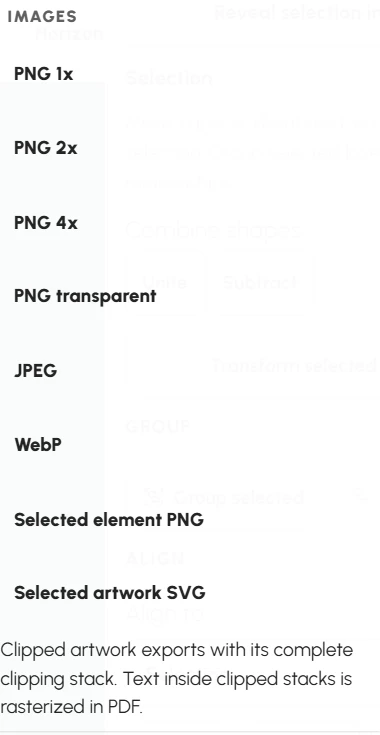
Tools Select · Export → Selected artwork SVG
Select the six emblem objects together: two compound reels, one tape path and three meter bars. Open Export and choose Selected artwork SVG. Open the file in a browser and place it on a contrasting background. Inspect the small spindle holes and both tape joints.
8. Add the studio signature
Tools Text · Align center · Export → PNG 1x · Board package
Center a bold 40 px “CAPSTAN SOUND” beneath the emblem. Add “ANALOG RECORDING STUDIO” on a second line in 17 px monospaced type. Keep both lines in their own text frames. Export the complete page as PNG 1x and save a Board package so the studio can edit the signature later.

A transparent SVG emblem, a 640 × 470 PNG signature and an editable Workspace board.