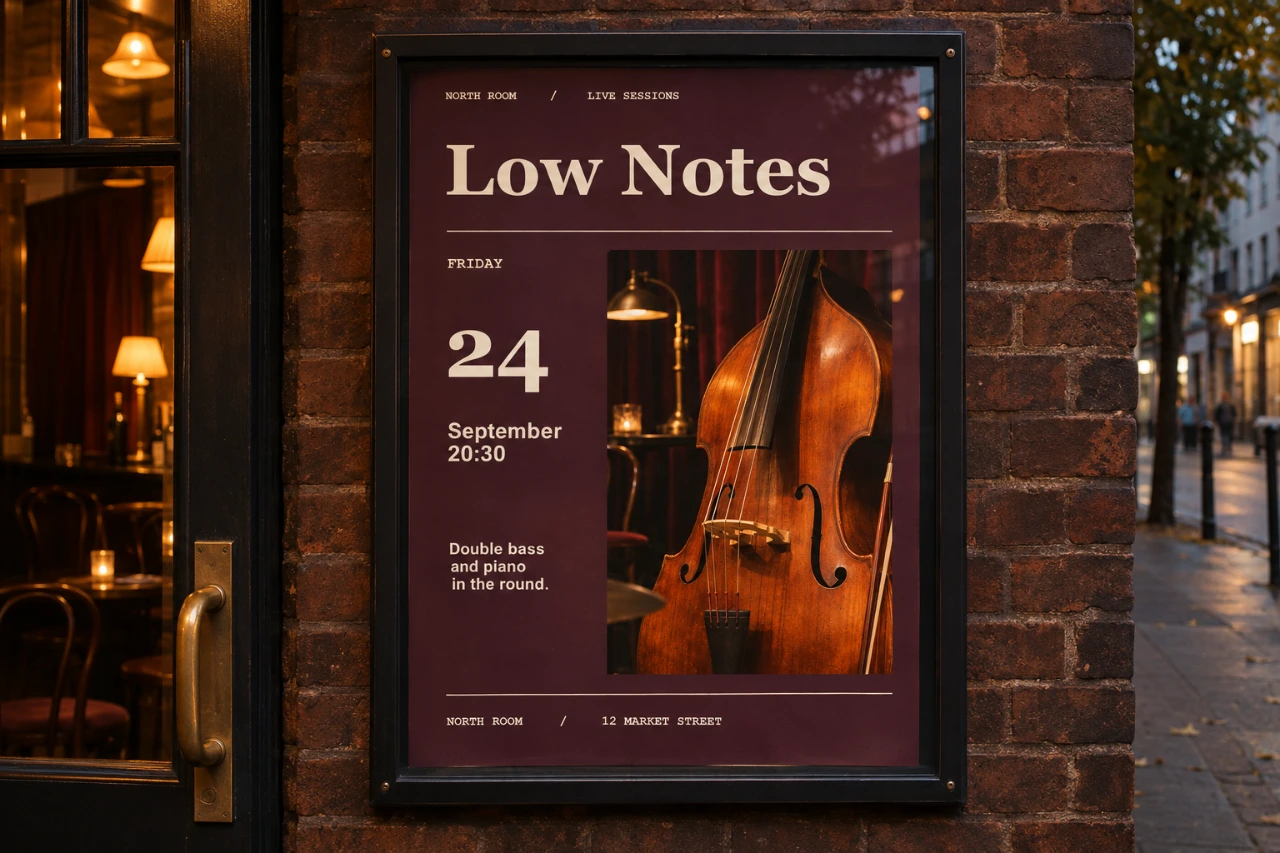
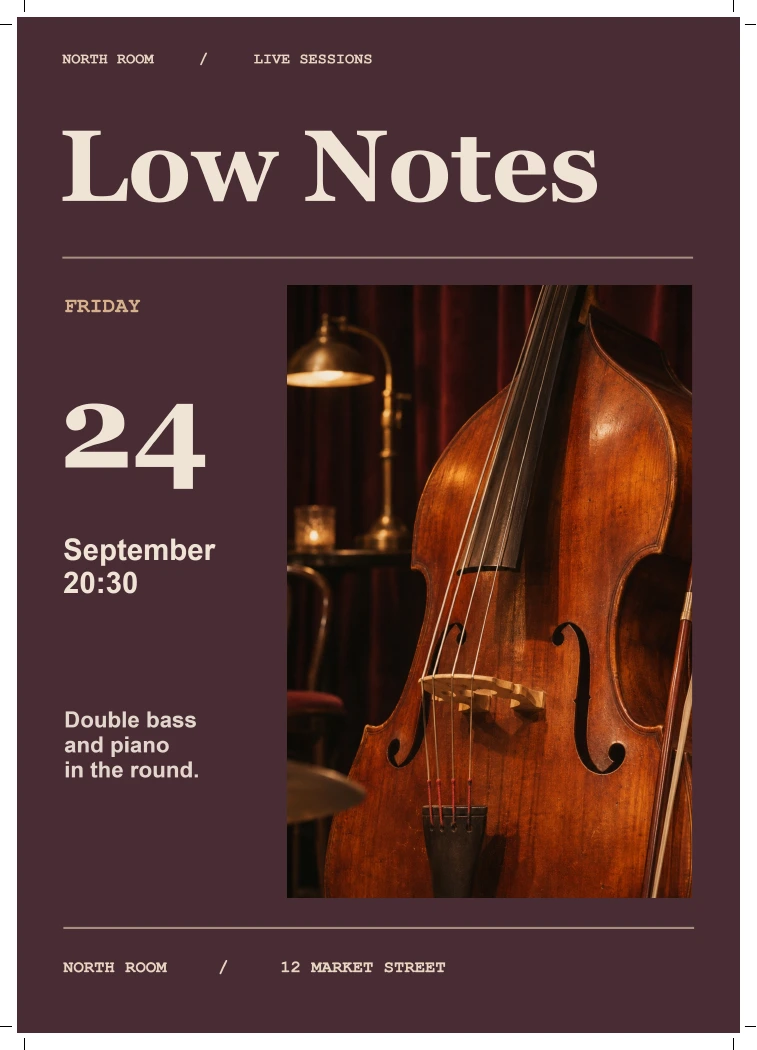
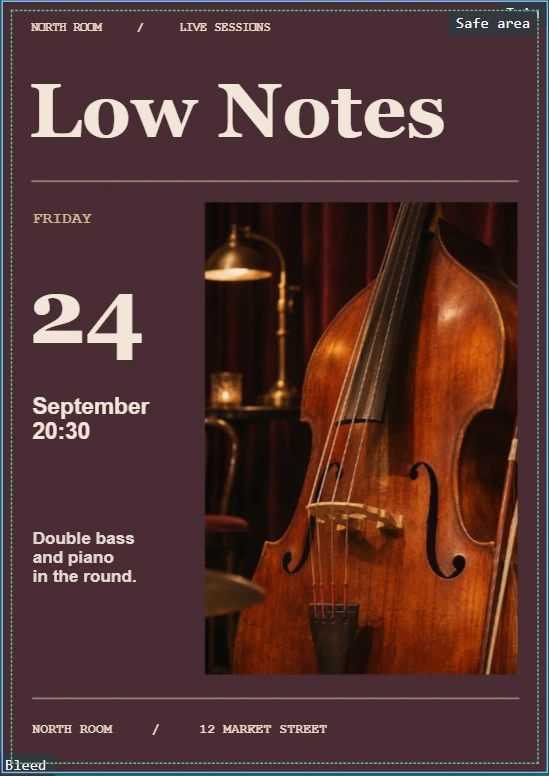
Give North Room’s Low Notes concert a rhythm using one bass photograph, one oversized date and a narrow column of event details.
25 minutes · Workspace · Poster design
Open project formatsProject files
1. Give the concert a masthead
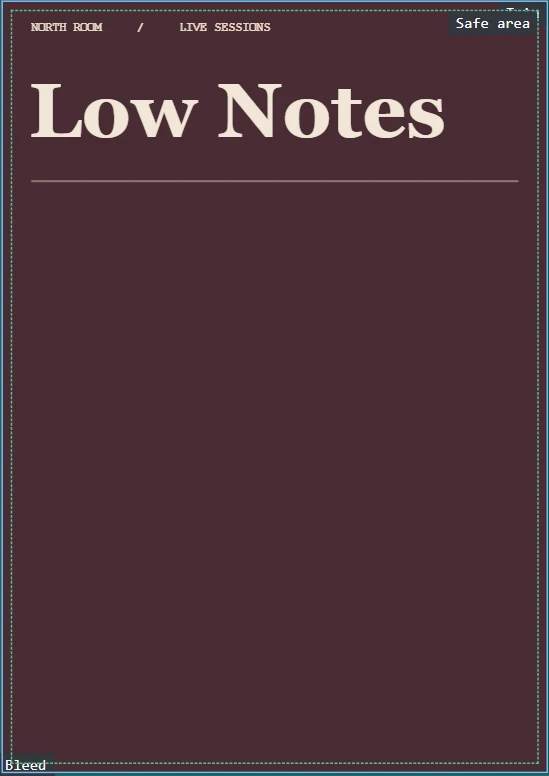
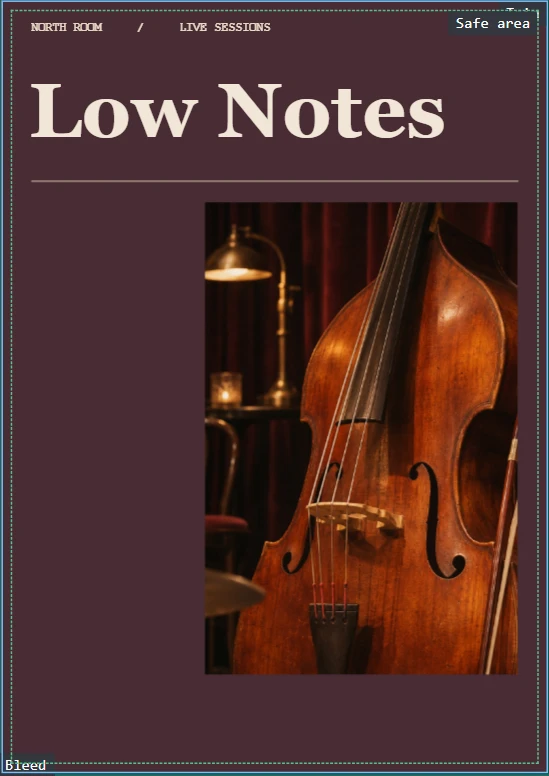
In Workspace Help choose Start Poster, review the A3 portrait project, create it and open it. Fill the page with oxblood #492C34. Add a small “North Room / Live Sessions” line and a large Georgia title, “Low Notes”, in #F1E5D7. Place a thin rule below the title.
2. Crop the instrument vertically
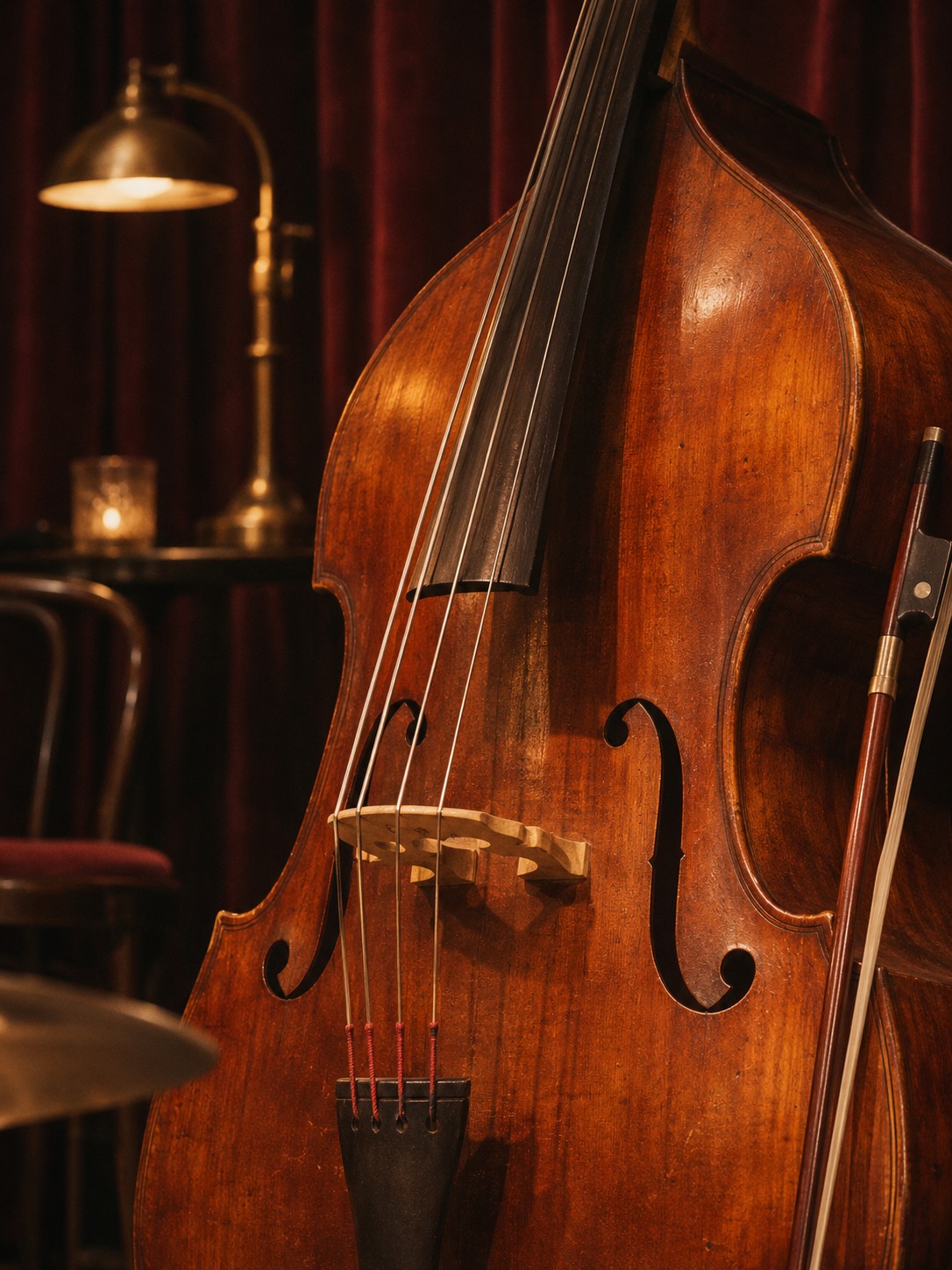
Upload the double bass photograph. Place a tall frame on the right below the rule, using about three-fifths of the live width. Set the image to Fill. Keep the curves and strings visible and leave the entire left column free for the date.
3. Make the date readable at a distance
Set Friday above a large 24 in the left column. Follow it with September, 20:30 and “Double bass and piano in the round.” Below the bottom rule, add “North Room / 12 Market Street”. Reduce the preview size and check that the title and date still read first.
4. Export an A3 print proof
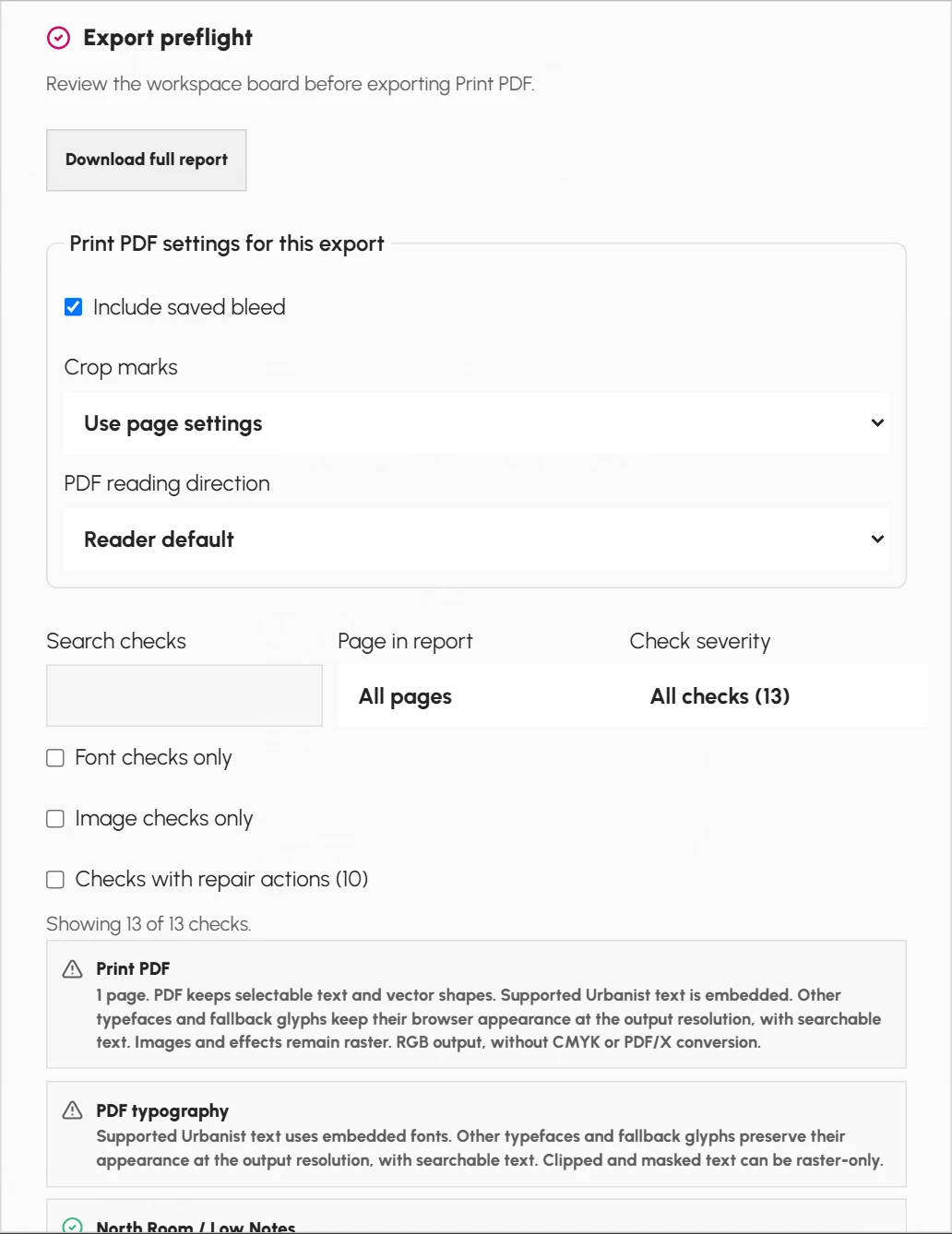
Choose Export → Print PDF with bleed. Check the 297 × 420 mm trim size and 3 mm bleed. Review the photo-resolution notice and set crop marks to the printer’s specification. Open the exported page and inspect the photograph and fine rules at 100%.
A one-page concert poster with A3 trim and bleed.