Design a plum-and-gold screening ticket for Orbit Cinema. Compare two color proportions and build a perforated stub an usher can read at a glance.
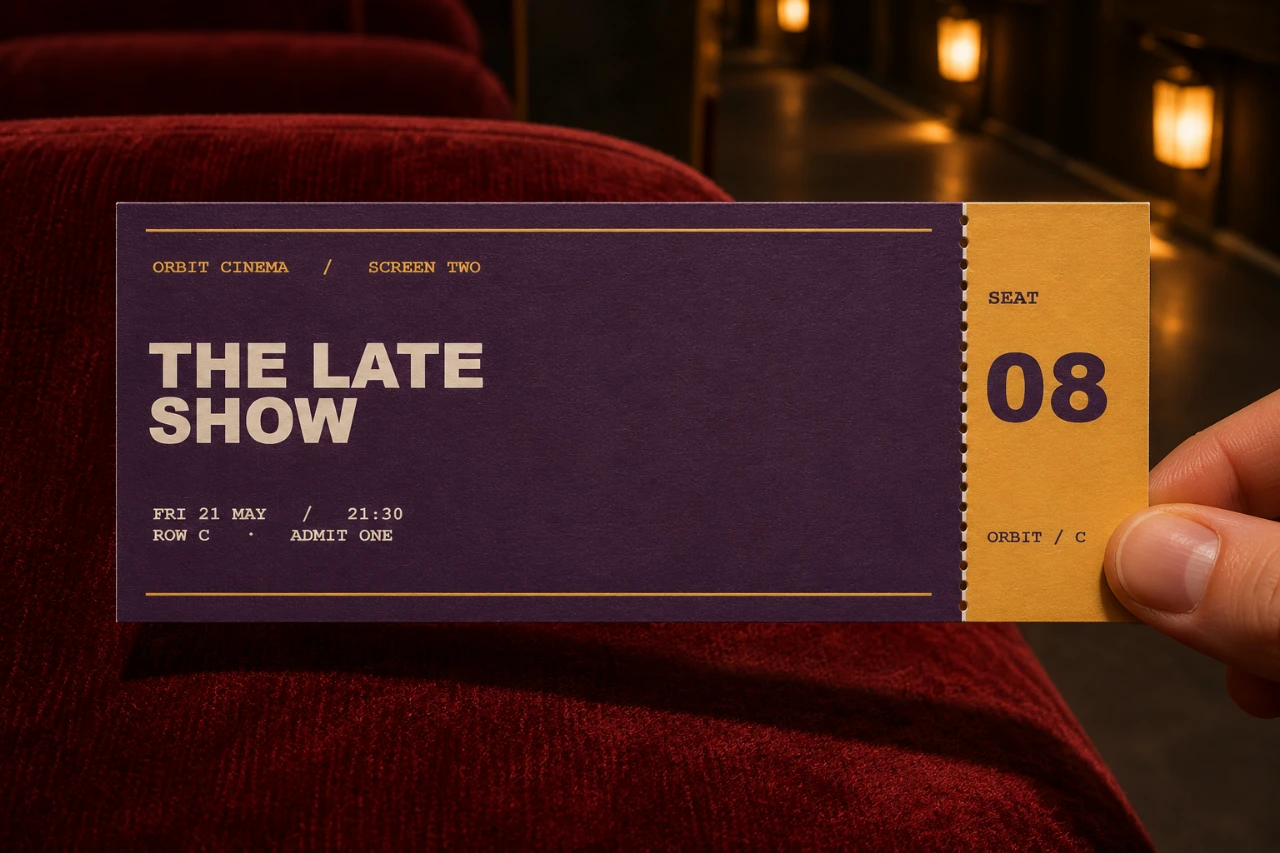
15 minutes · Workspace · Color study
Open WorkspaceProject files
1. Set the ticket and stub
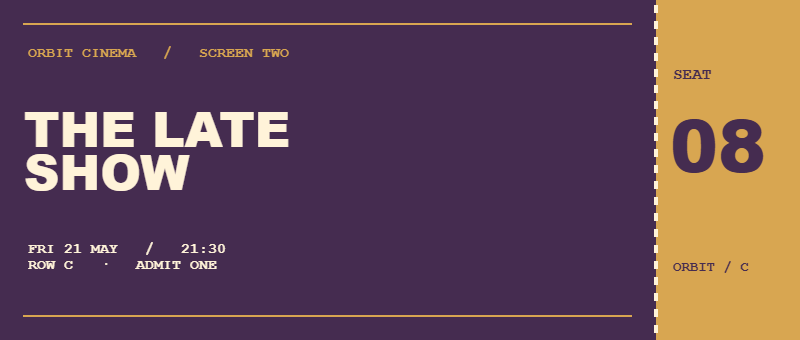
Create an 800 × 340 px ticket. Use plum #452C50 for the admission field and warm gold #D8A651 for the stub. Add a thin gold rule near the top and bottom of the admission field. Use monospaced labels and a bold two-line “THE LATE SHOW” title. The finished example shows the intended hierarchy.
2. Try an equal split
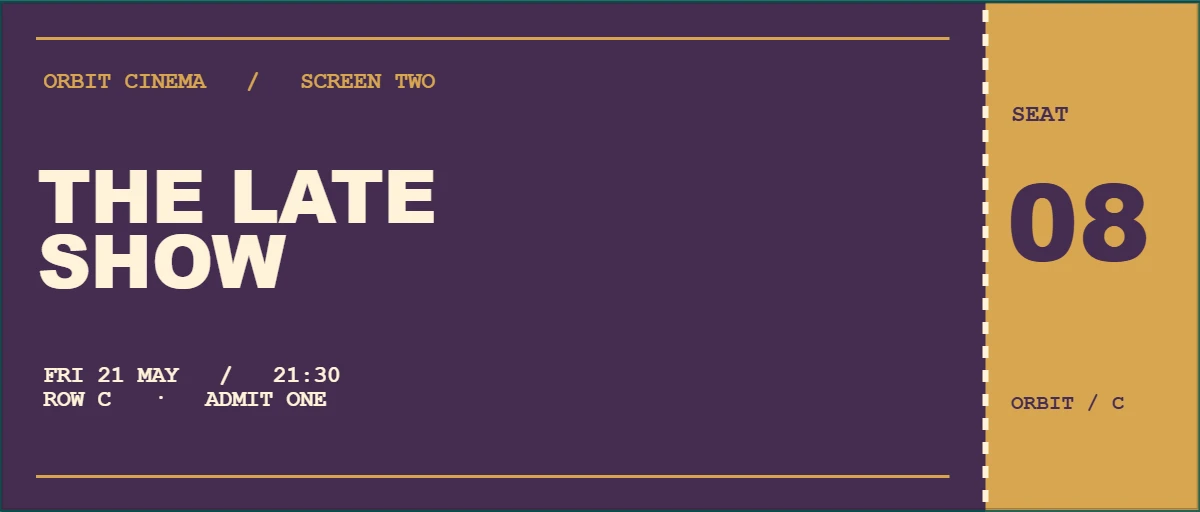
For a first proof, make the full-height plum and gold rectangles 400 px wide each. Place the screening information on the left and Seat 08 on the right. Build a perforation line by repeating small cream dashes along the join. Notice how much attention the broad gold stub receives.
3. Give the seat a narrower field
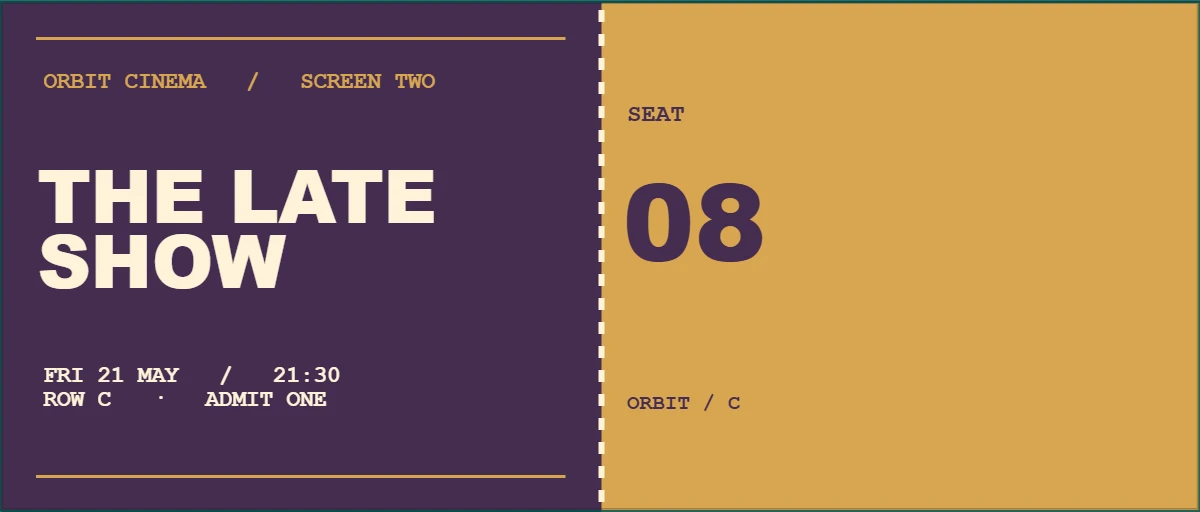
Extend the plum field to 656 px. Move the stub and perforation to X 656 and set the gold rectangle to 144 px wide. Place the seat number high on the stub. At left add “FRI 21 MAY / 21:30” and “ROW C · ADMIT ONE”. The title and door information should both read at arm’s length.
4. Export the door proof
Choose Export → PNG 1x. Open the 800 × 340 px file at actual size and check that Seat 08, Friday 21 May, 21:30 and Row C are readable. Send this proof to the person checking tickets.
An 800 × 340 px cinema ticket ready for a screen proof.