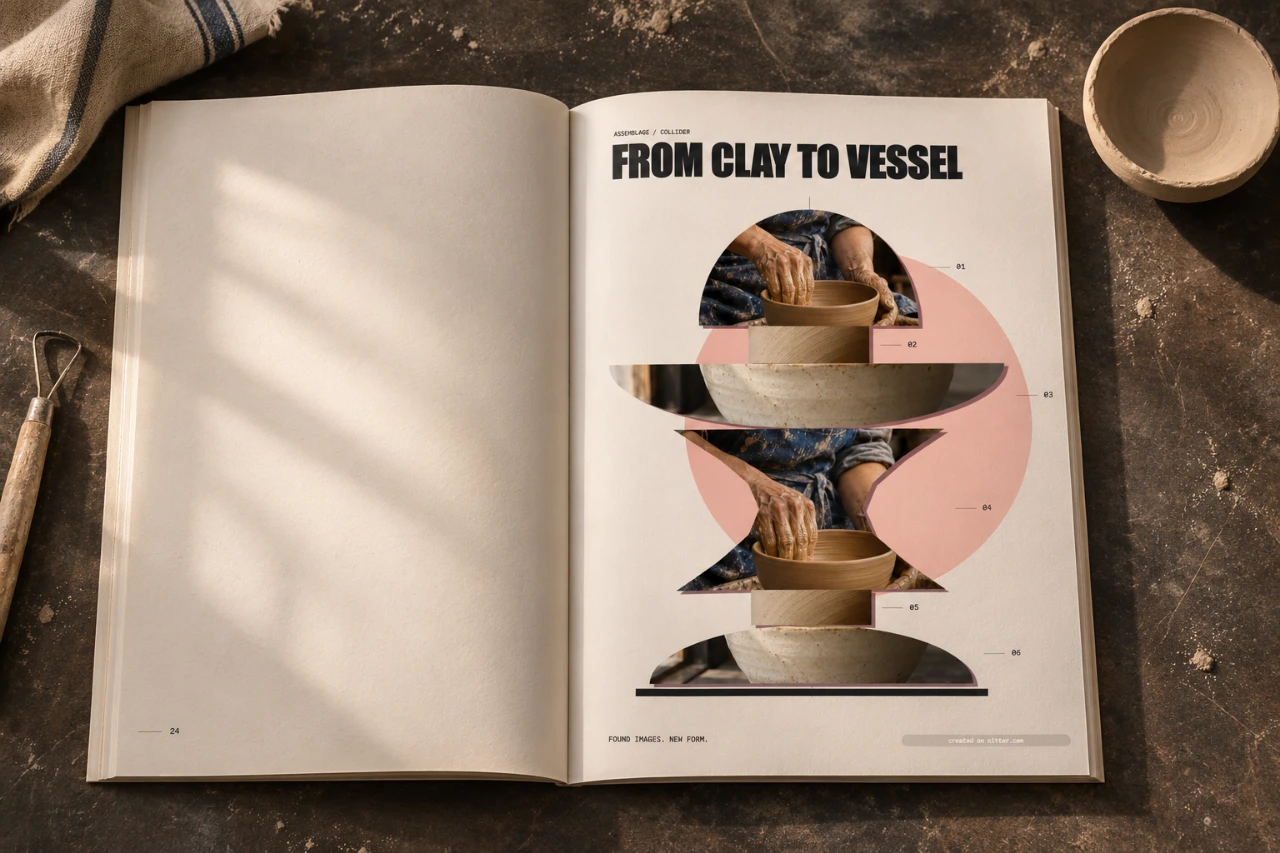
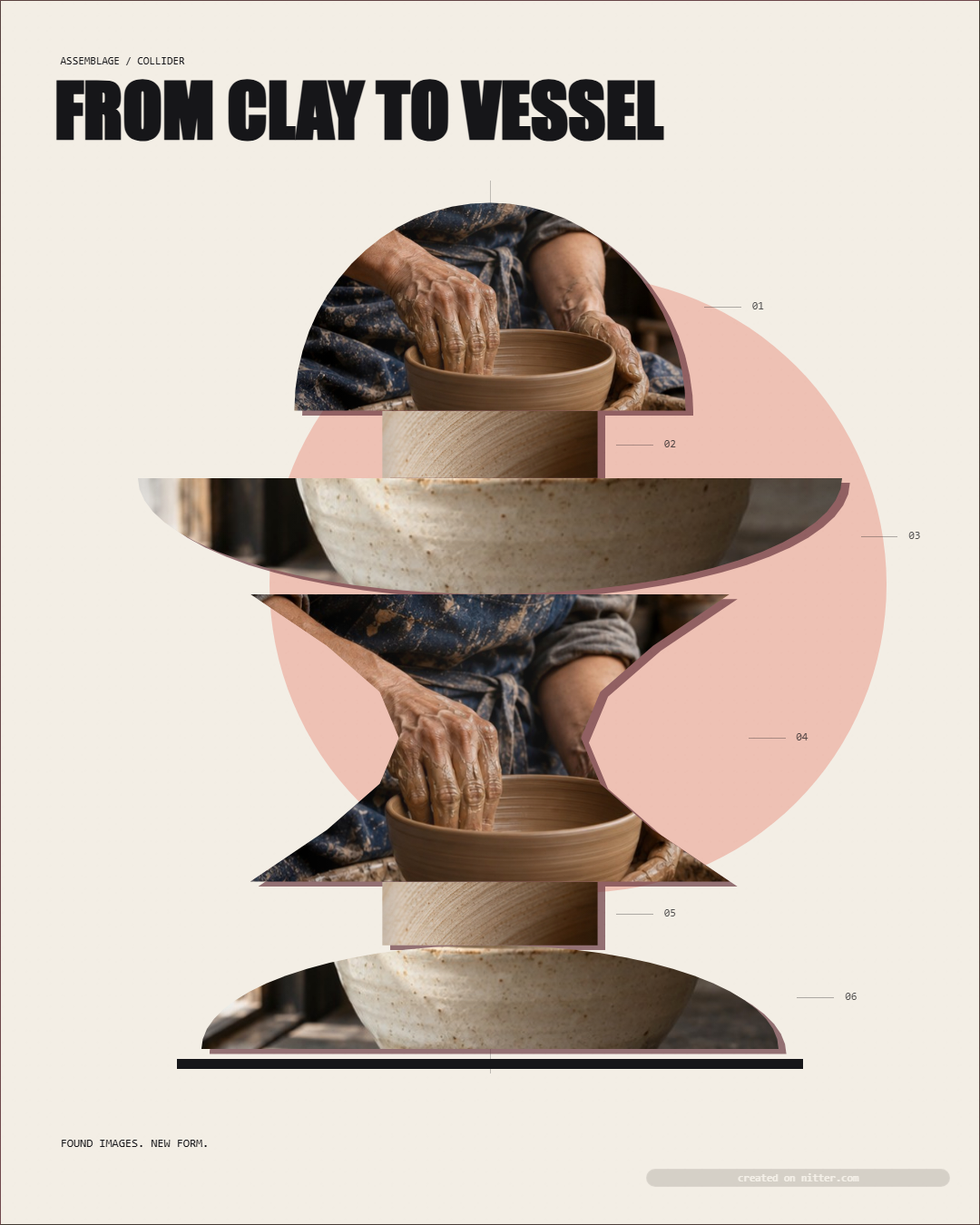
Use Totem to cut three workshop photographs into six interlocking parts. The outline echoes a thrown vessel while the photographs show how it was made.
18 minutes · Collider
Open ColliderProject files
1. Load the three stages
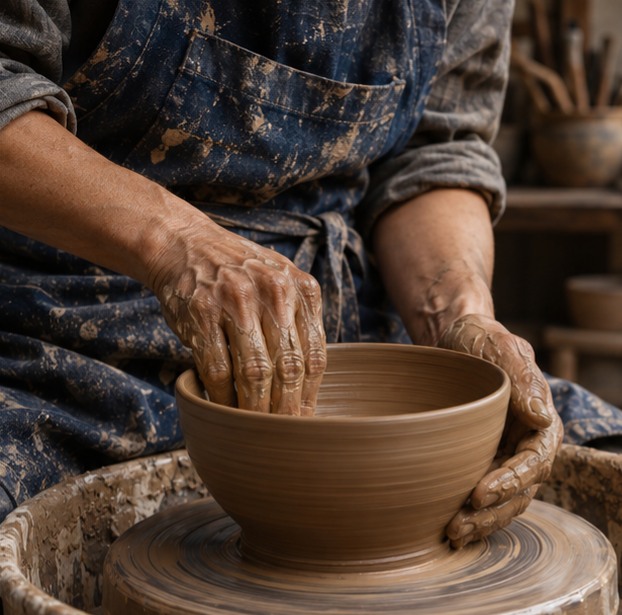
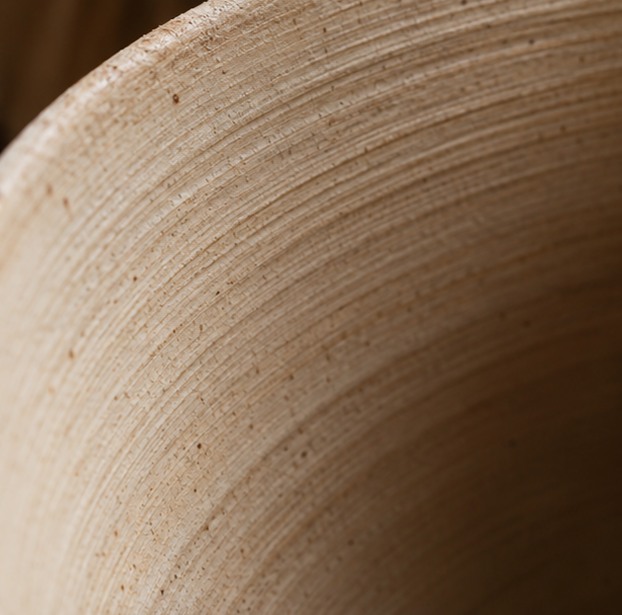
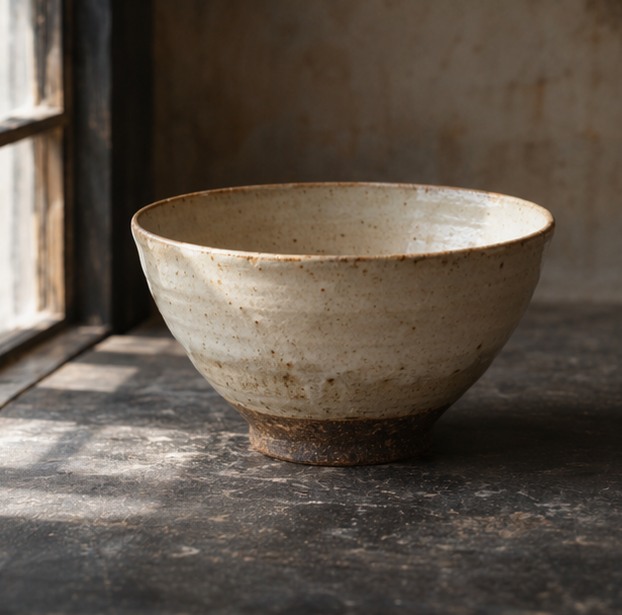
Open Collider and upload the potter, throwing-lines and fired-bowl photographs in that order. Remove any other source cards, then choose Generate Collage. Look for hands in the first source, a surface rhythm in the second and a recognizable rim in the third.
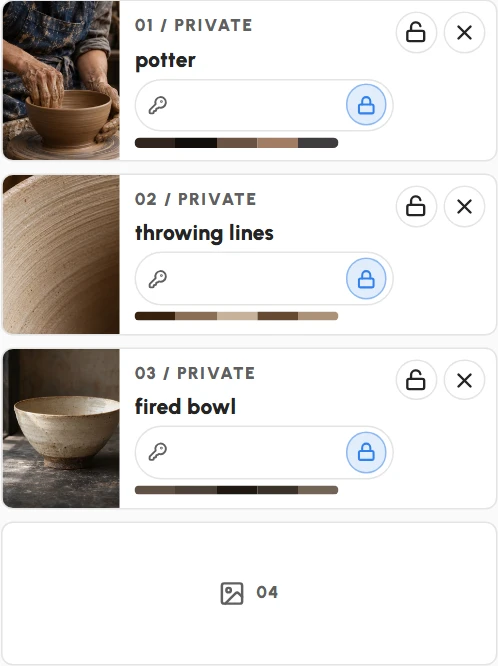
2. Stack the photographs with Totem
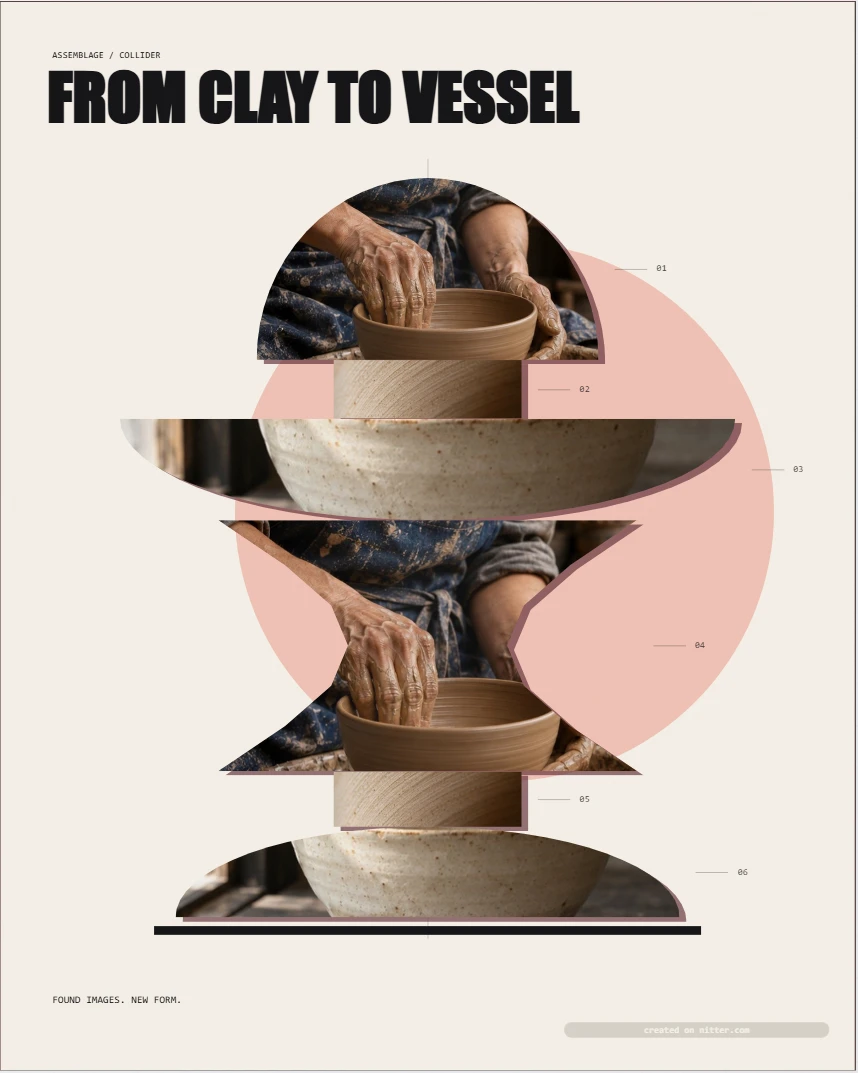
In Available looks choose Totem. Set Intensity to Balanced and enter “From clay to vessel” as the collage headline. Totem repeats the three sources through six shaped windows. Compare the broad rim and narrow waist with the shape of the fired bowl.
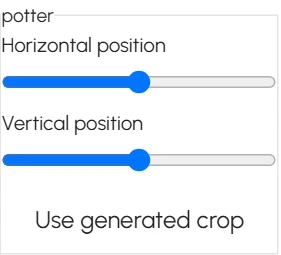
3. Position each crop
Open Position source images. Move the potter image until the hands meet the clay near the center of the crown. Center the ridged surface in the neck and keep a recognizable part of the bowl in the widest window. Review the repeated crops together after each change.
4. Export the portrait plate
Choose Portrait and inspect the full stack from headline to base. Select Export Current. Open the PNG and check the thin separations between shapes and the rim of the bowl. Compare against the downloadable plate at the same size.
A portrait PNG that tells a ceramics process through one assembled silhouette.