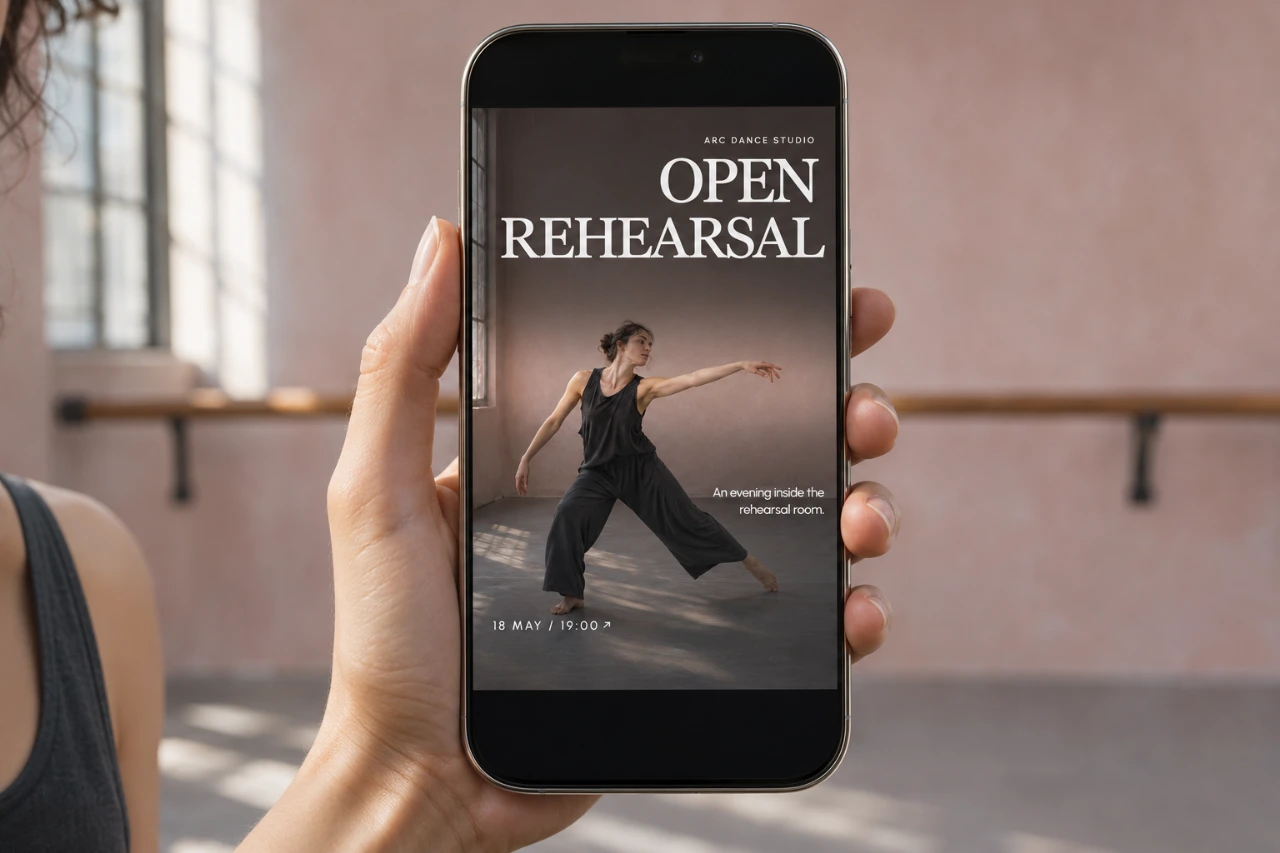
Set a two-line invitation above a dancer’s extended arm. Keep the gesture intact and the rehearsal time legible on a phone.
15 minutes · Social Generator
Open Social GeneratorProject files
1. Start with the gesture
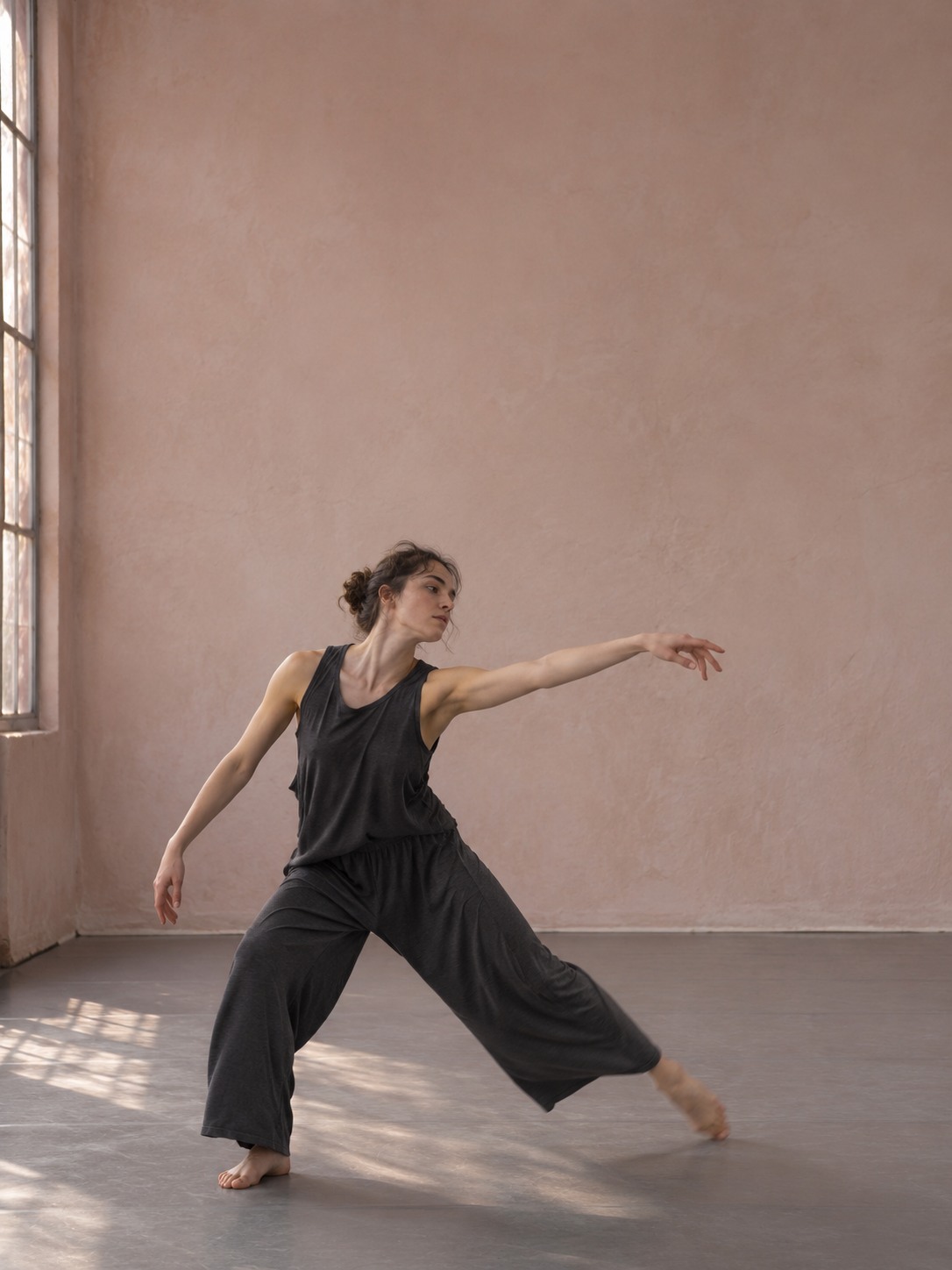
Open Social Generator and upload the rehearsal photograph. Follow the dancer’s arm from shoulder to fingertips. Use the quiet dark wall above it for the headline so the invitation and the gesture both have space.
2. Write the invitation
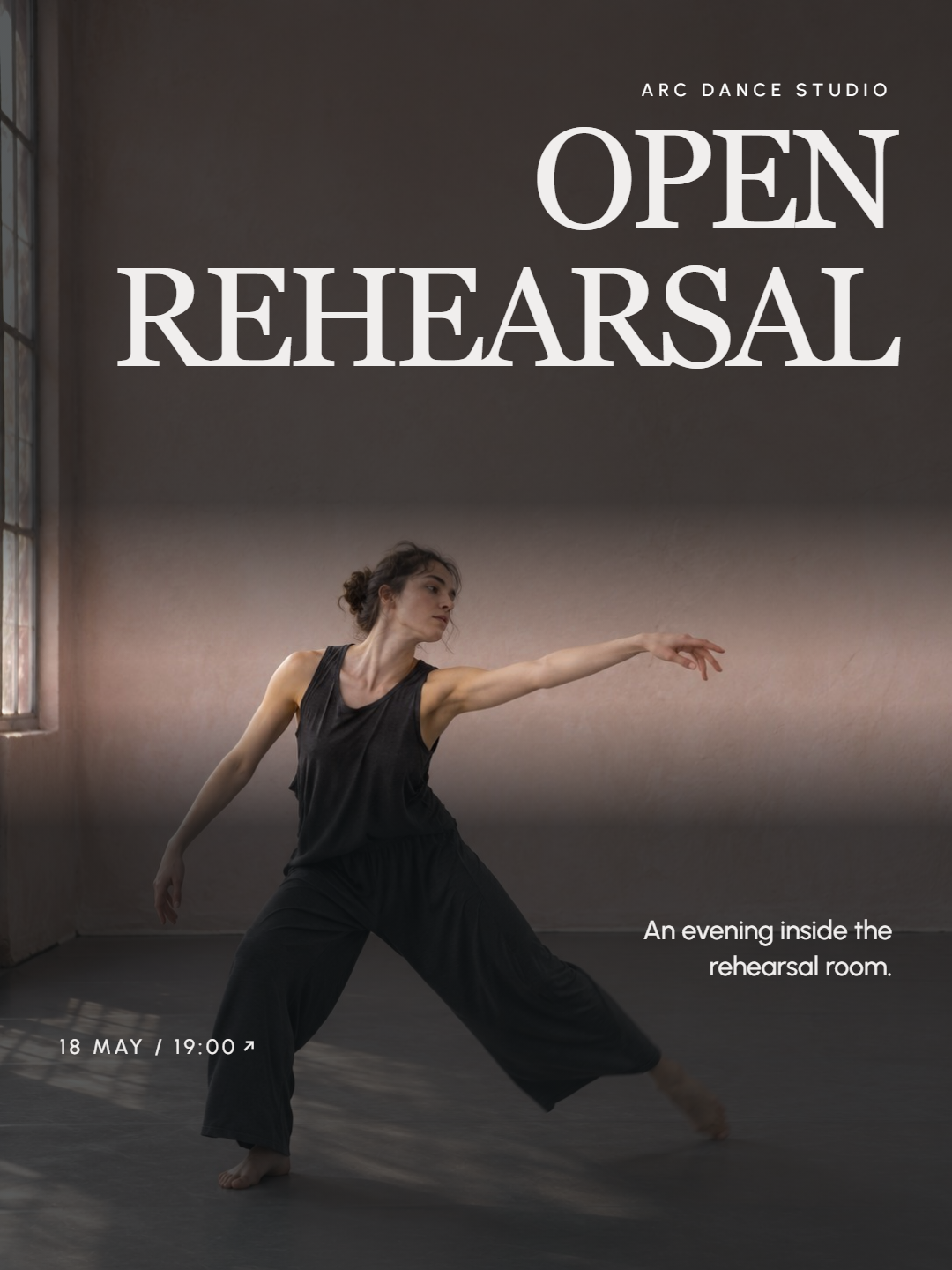
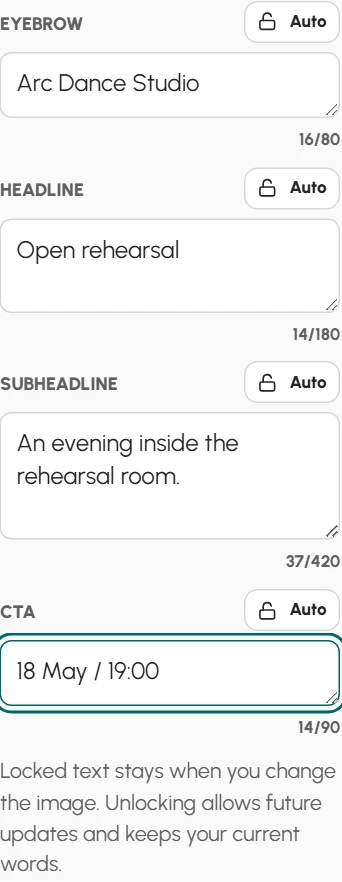
Enter “Arc Dance Studio” as the eyebrow, “Open rehearsal” as the headline and “An evening inside the rehearsal room.” as the supporting line. Enter “18 May / 19:00” in the call to action so the invitation can stand alone.
3. Check the portrait composition
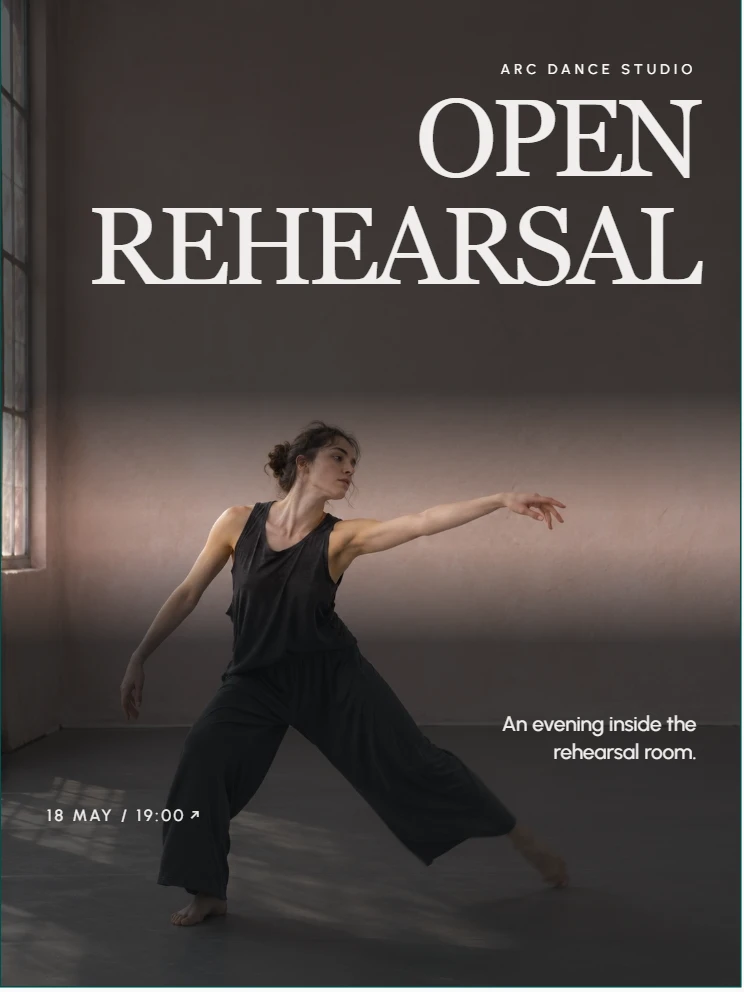
Choose Tall Portrait in Preview format. Use a full-bleed photograph with the title at the top. Compare the headline’s right edge with the studio name above it. Check that the final L and the dancer’s fingertips are both visible at phone size.
4. Export and read it on a phone
Choose Export PNG. Open the downloaded portrait image and view it at phone width. Read the date without zooming and check that the headline has a margin on both sides. Use the supplied PNG to compare the final spacing.

A portrait announcement with the full headline, gesture and event time visible.